Features
Everything you need to see your office at work — and nothing hidden
LiveDesk does a few things and does them openly: live view, the last 15 days of recordings, and screenshots, for Windows and Mac work computers.
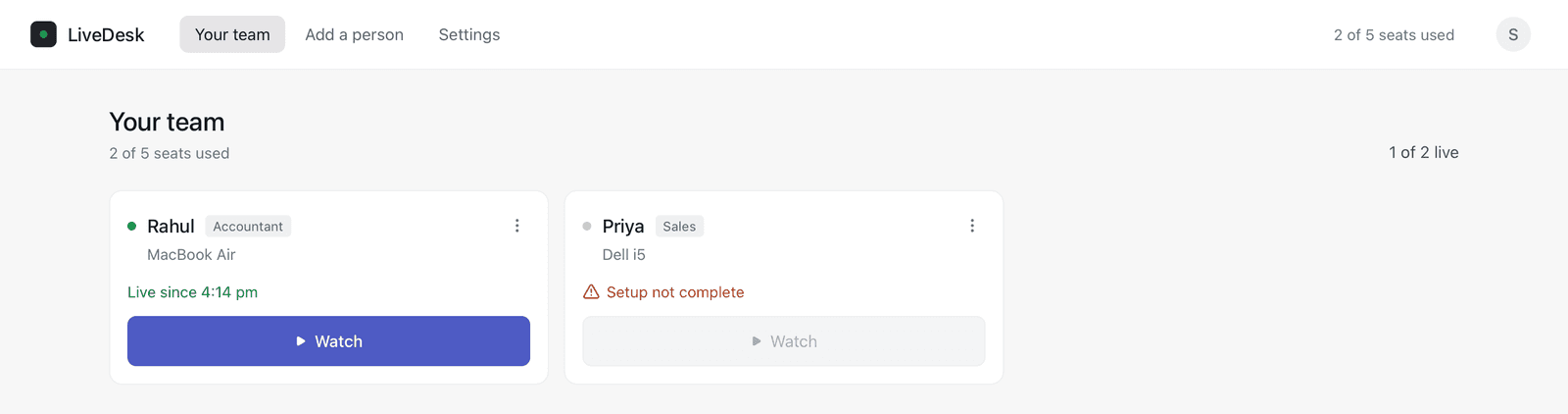
Your whole team on one screen
See who is live right now and who isn't, with plain-language reasons: paused by them, off duty, laptop off, or setup not complete. Approve new computers as they join.
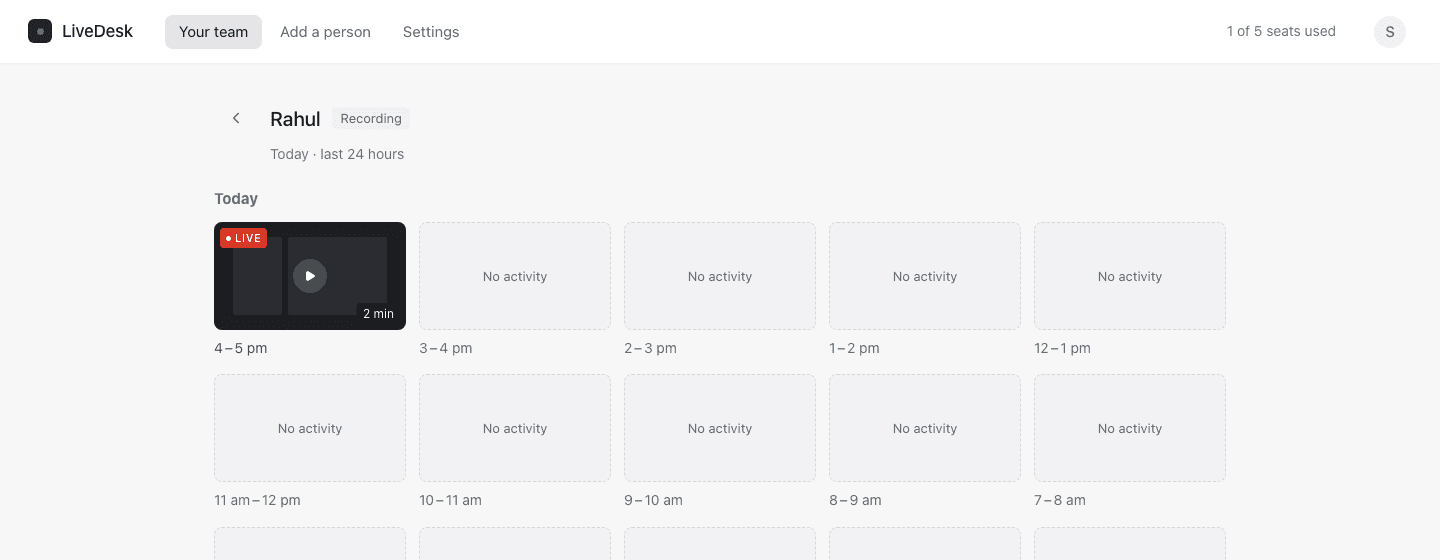
Look back at the last 15 days
Pick a day, and every hour of recording is a tile. Open one to play it back, seek to a moment, and see when the computer was active or idle. After 15 days it's gone — automatically, for every plan.
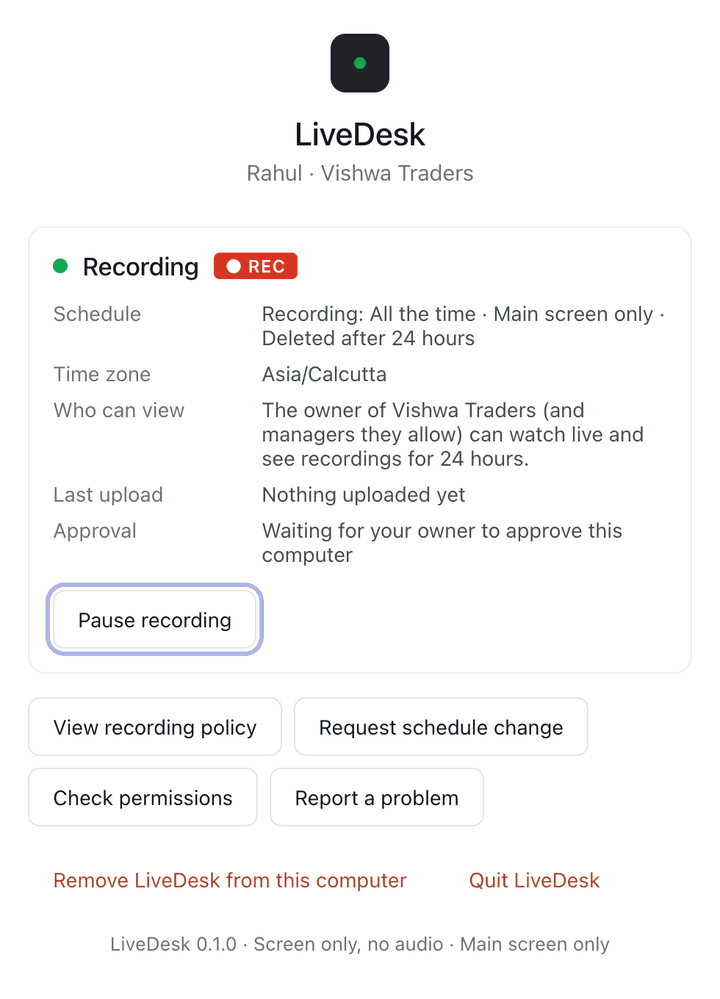
Employees always know
LiveDesk shows on the employee's computer whenever it is recording, tells them up front that live viewing can happen at any time (with an optional on-screen alert each time, if your office turns it on), and lets them read the recording policy at any time. Read the employee notice.
Included in every plan
Plans differ only in how many people you can add. See pricing.
| Feature | What it does |
|---|---|
| Team status | Live, paused, off duty, offline or setup not complete — for every computer, updated as it changes. |
| Live view | Watch one computer's main screen live, up to 30 minutes at a time. No audio. The notice each employee accepts says live viewing can happen at any time; turn on “Alert employees when someone watches live” to show an on-screen alert each time. |
| Recordings | Hour-by-hour recordings of the last 15 days, one day at a time, with a seekable player. Hours with no activity are shown as such. |
| Activity timeline | Active, idle, paused and offline time from the computer's idle timer — not keystroke counting. |
| Screenshots | A screenshot of the main screen about every 5 minutes while recording. |
| Work hours | Recording only during the hours you set for the office or a person. Outside them, nothing is recorded. |
| Employee pause | If you allow it, employees can pause recording, for example before entering personal information. |
| Approval codes | Changing a person's name, role or hours on their computer needs a one-time code from you. |
| 15-day deletion | Recordings and screenshots are deleted automatically 15 days after capture. Removing a person deletes theirs at once. |
What LiveDesk does not do
- No audio, webcam, keystroke logging, clipboard, browser history, files or location.
- No hidden or stealth mode: recording is always visible on the employee's computer.
- No recordings kept longer than 15 days, and no recording outside the approved hours.
- No remote control of the employee's computer.
Set up your office in a few minutes
Create your account, add your first person, and share the install link.